
tomatophp / filament-blog

Frontend for CMS Builder to build a blog and personal websites
Package info
github.com/tomatophp/filament-blog
Language:JavaScript
pkg:composer/tomatophp/filament-blog
Fund package maintenance!
Requires
- php: ^8.2
- filament/filament: ^5.0
- mallardduck/blade-boxicons: ^2.5
- spatie/laravel-markdown: ^2.8
- tomatophp/filament-accounts: ^5.0
- tomatophp/filament-cms: ^5.0
- tomatophp/filament-menus: ^5.0
- tomatophp/filament-seo: ^5.0
- tomatophp/filament-settings-hub: ^5.0
- tomatophp/filament-types: ^5.0
Requires (Dev)
- larastan/larastan: ^3.0
- laravel/pint: ^1.24
- nunomaduro/collision: ^8.6
- orchestra/testbench: ^10.0|^11.0
- pestphp/pest: ^4.0|^5.0
- pestphp/pest-plugin-arch: ^4.0|^5.0
- pestphp/pest-plugin-laravel: ^4.0|^5.0
- pestphp/pest-plugin-livewire: ^4.0|^5.0
- phpstan/extension-installer: ^1.4
Suggests
None
Provides
None
Conflicts
None
Replaces
None
This package is auto-updated.
Last update: 2026-09-17 15:01:24 UTC
README
Filament Blog Template
Frontend for CMS Builder to build a blog and personal websites
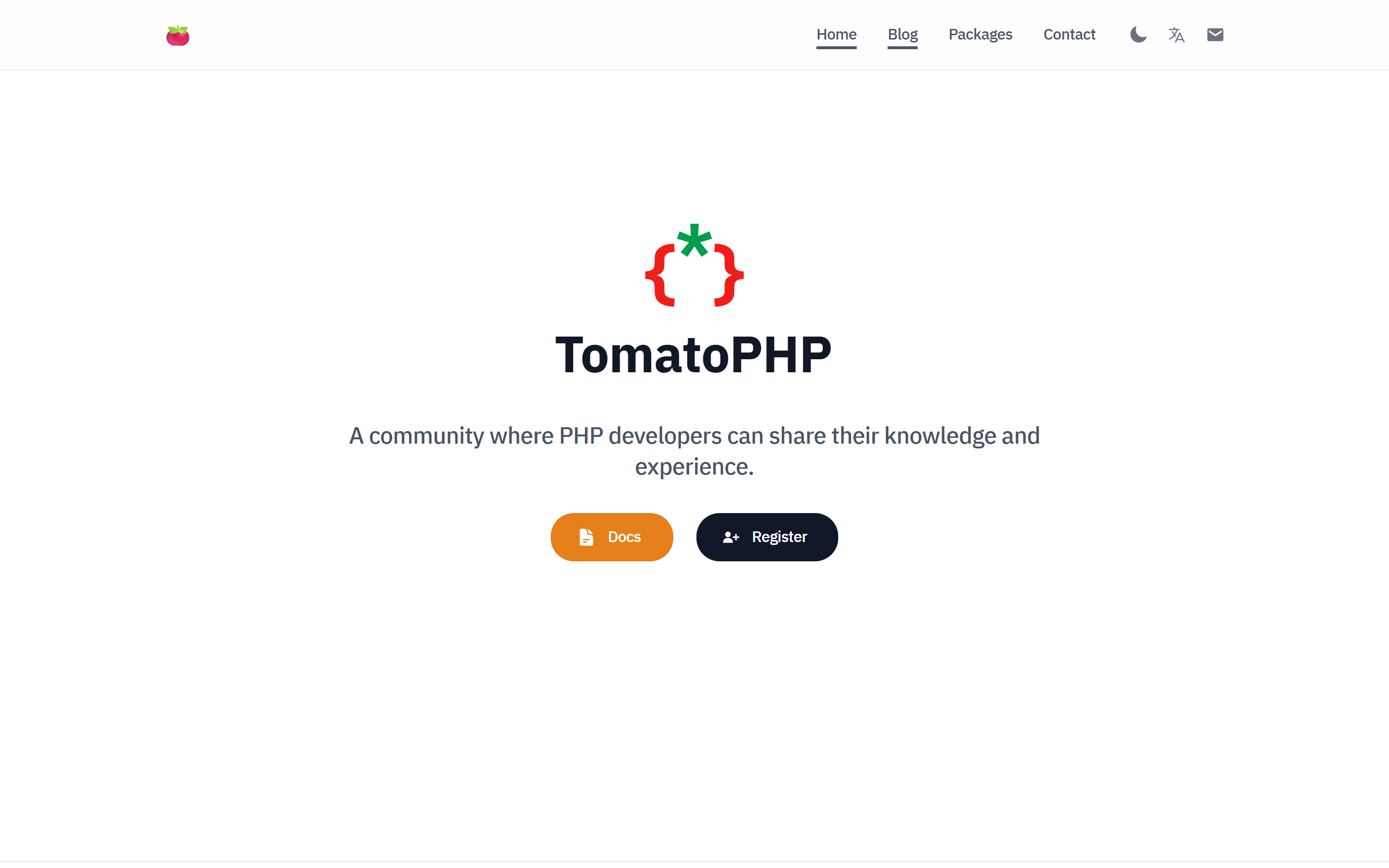
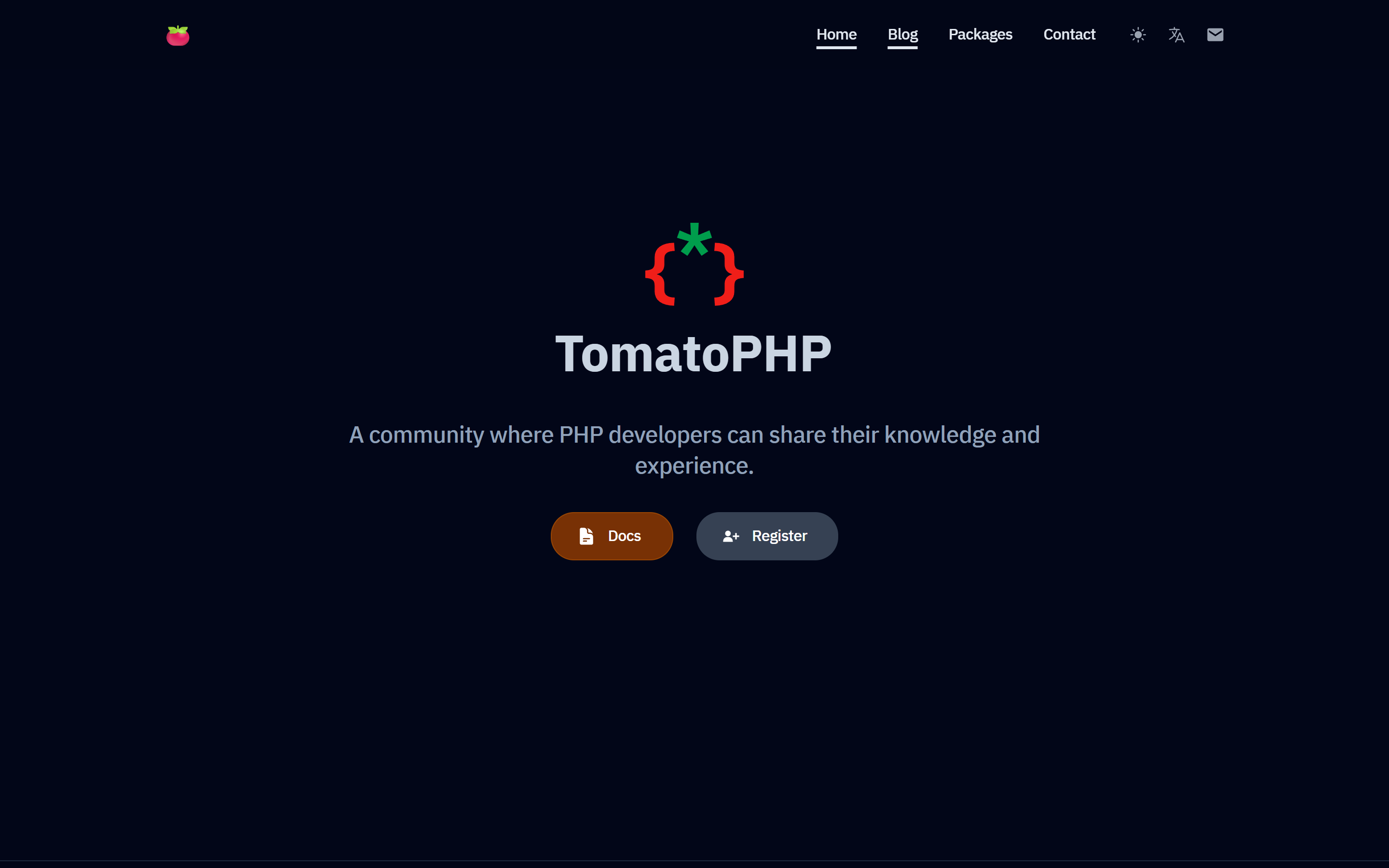
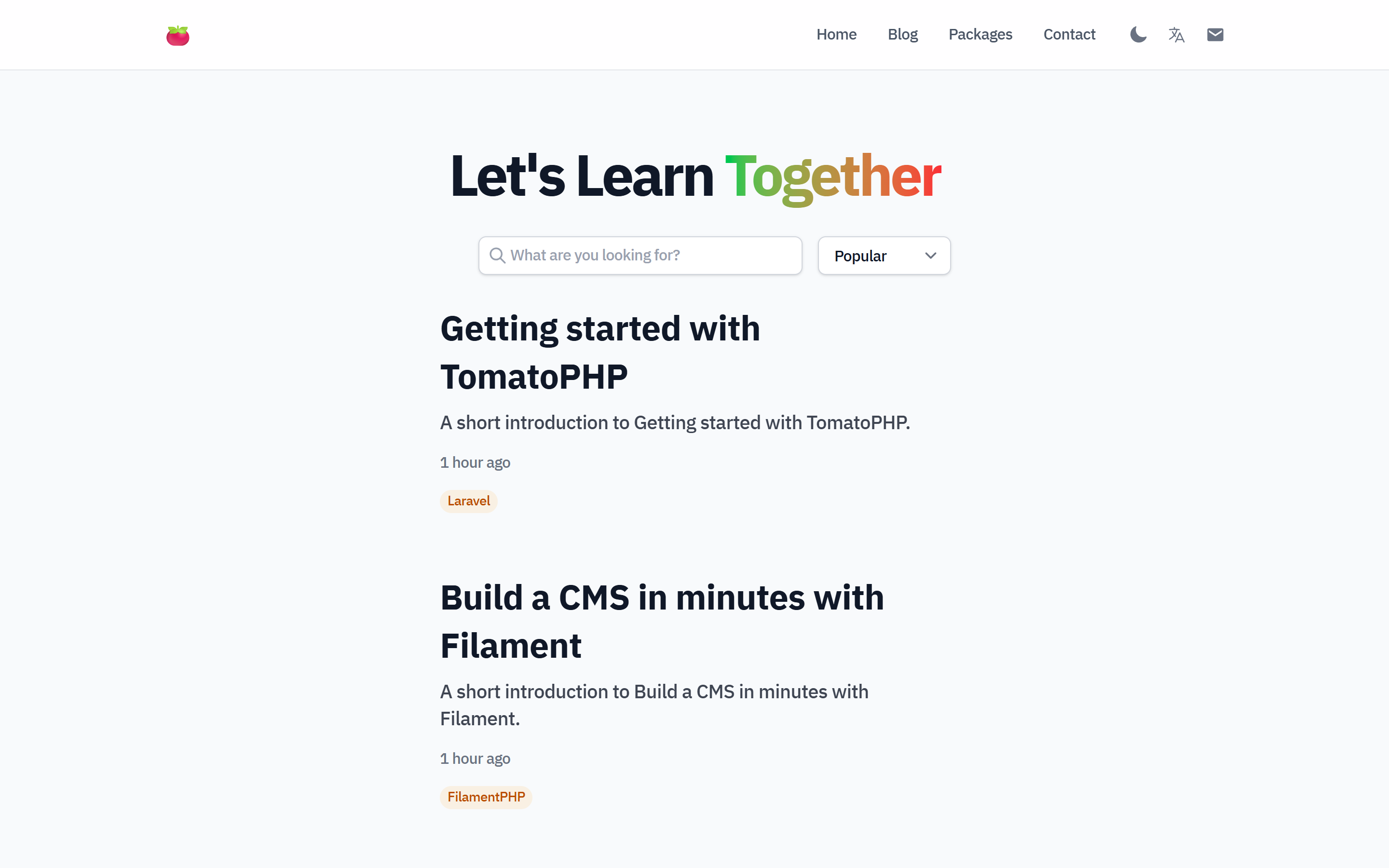
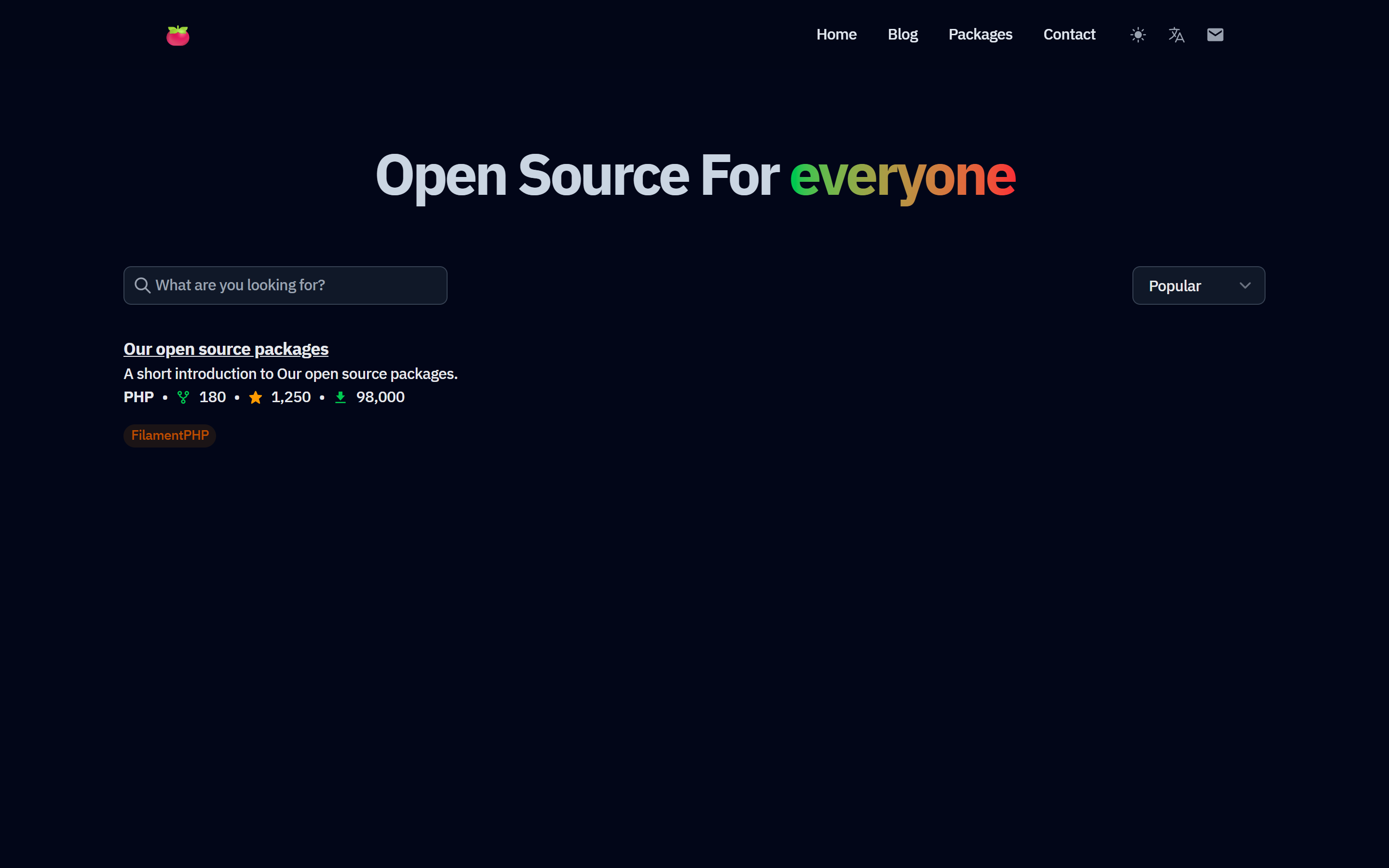
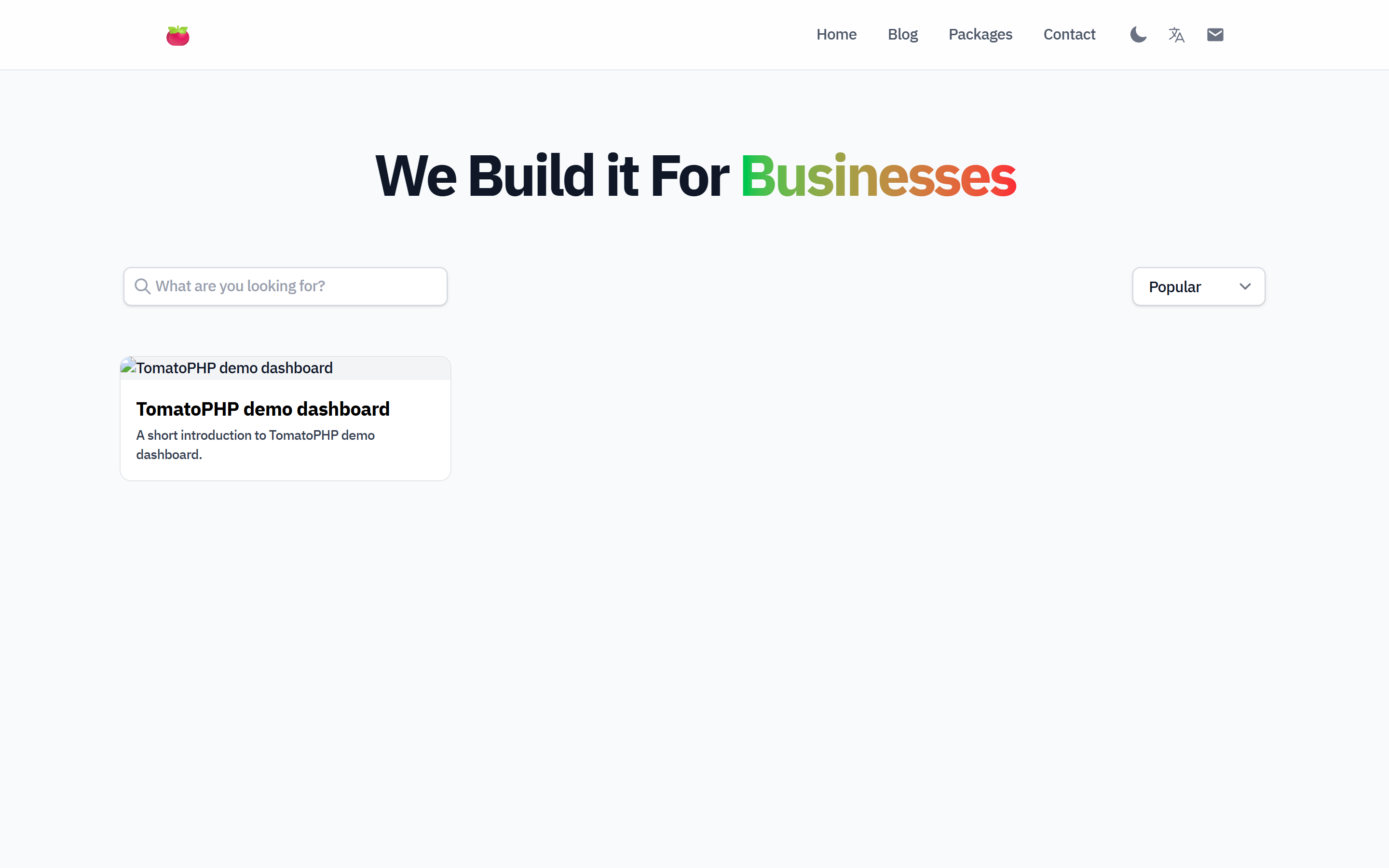
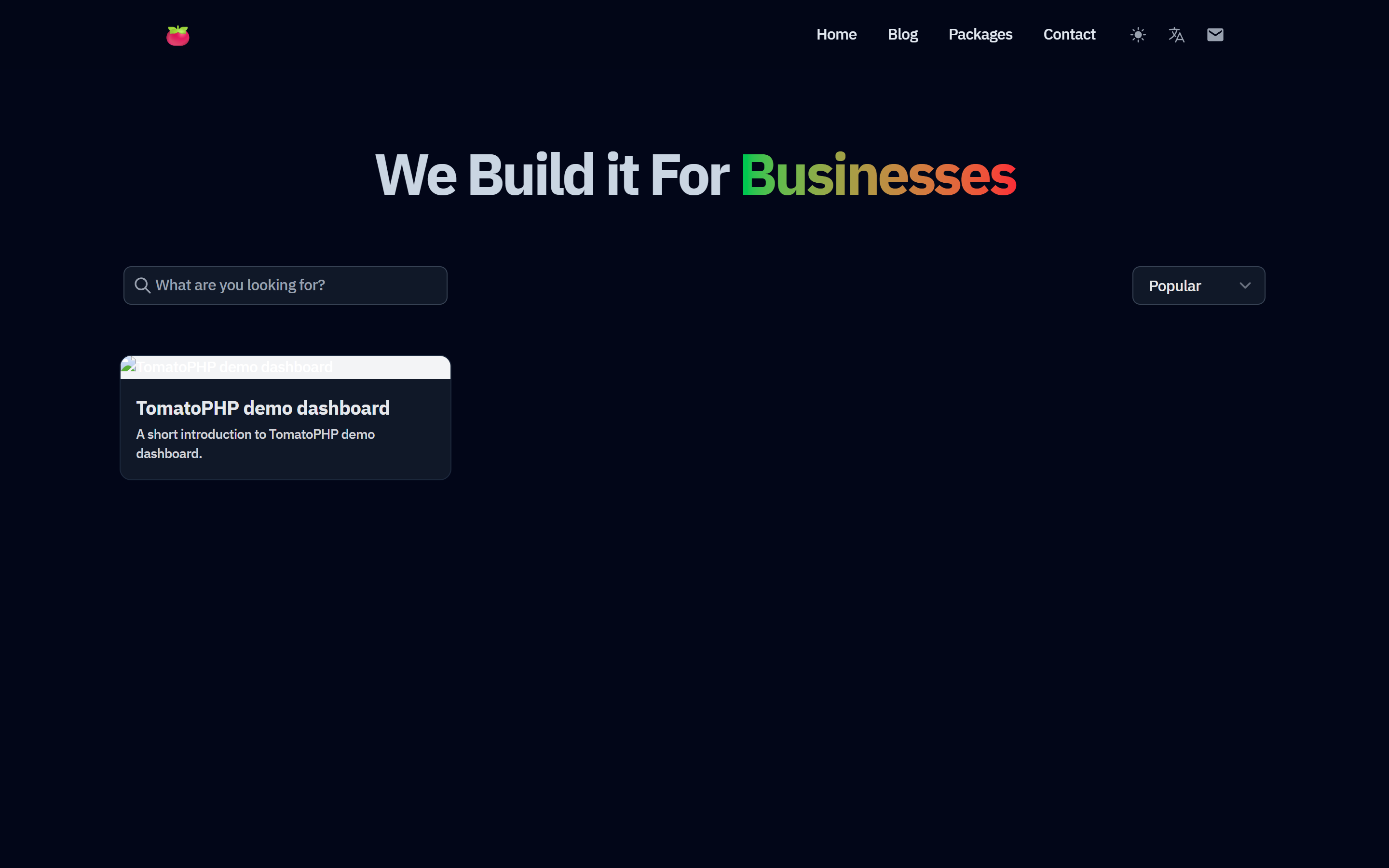
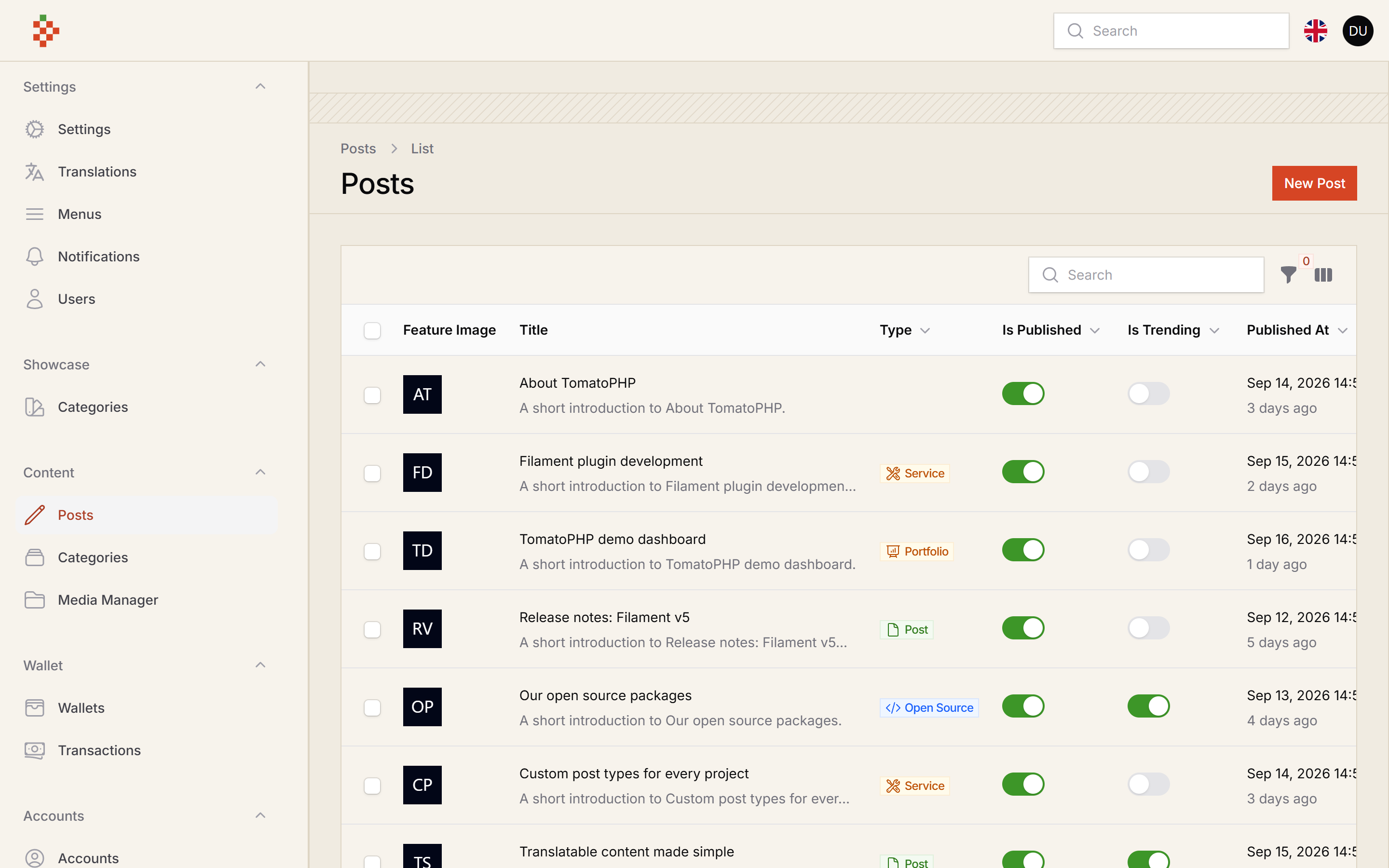
Screenshots
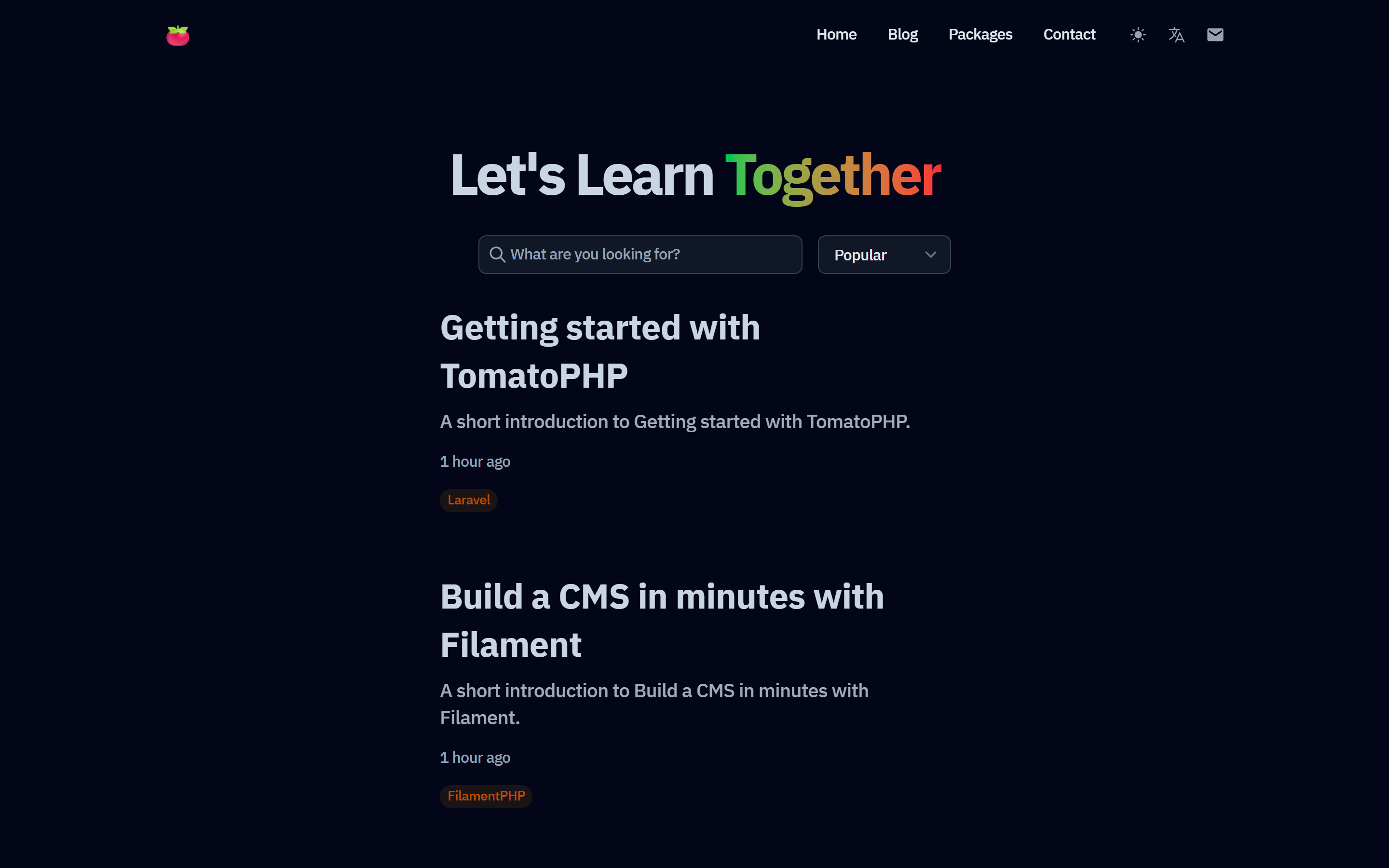
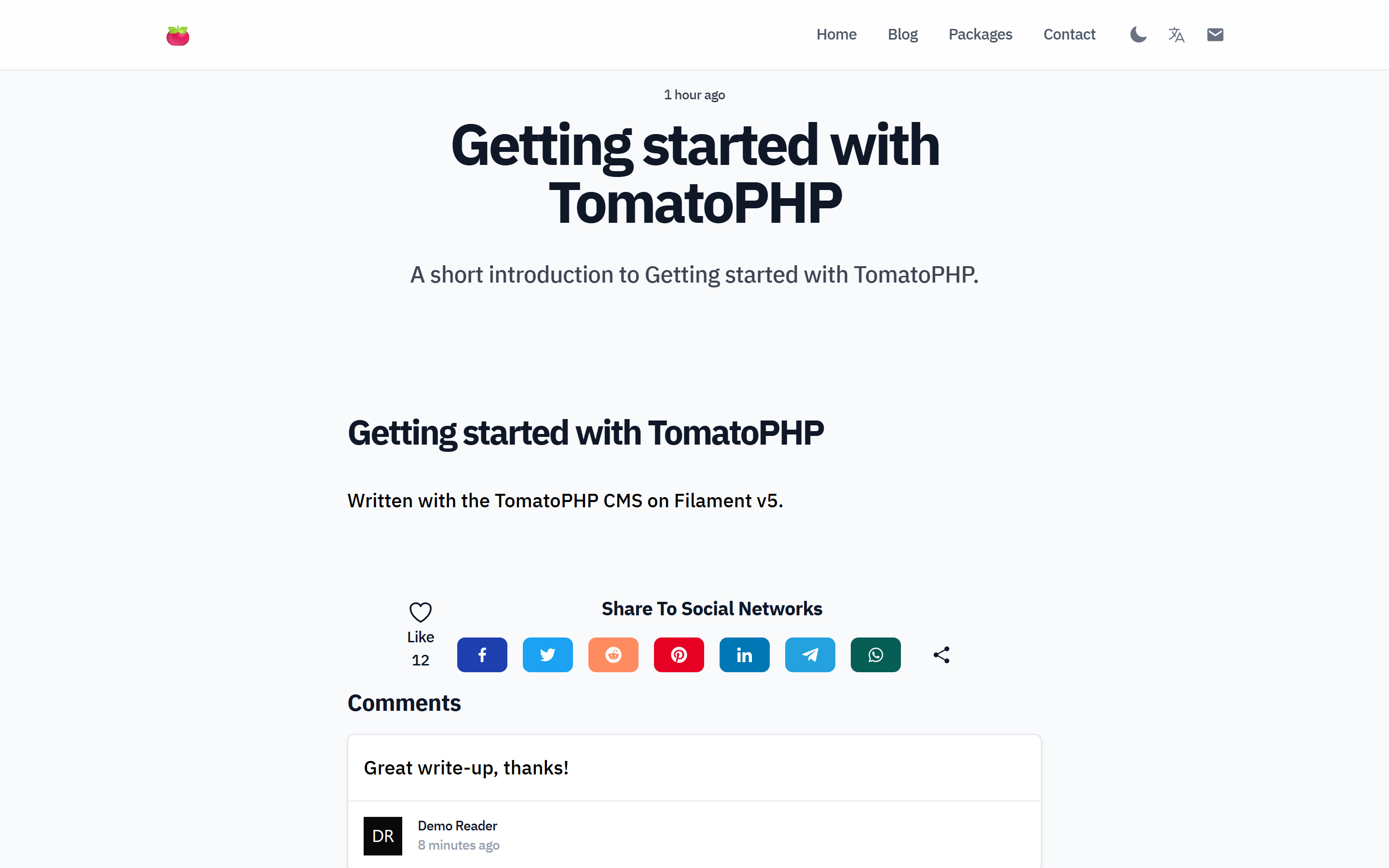
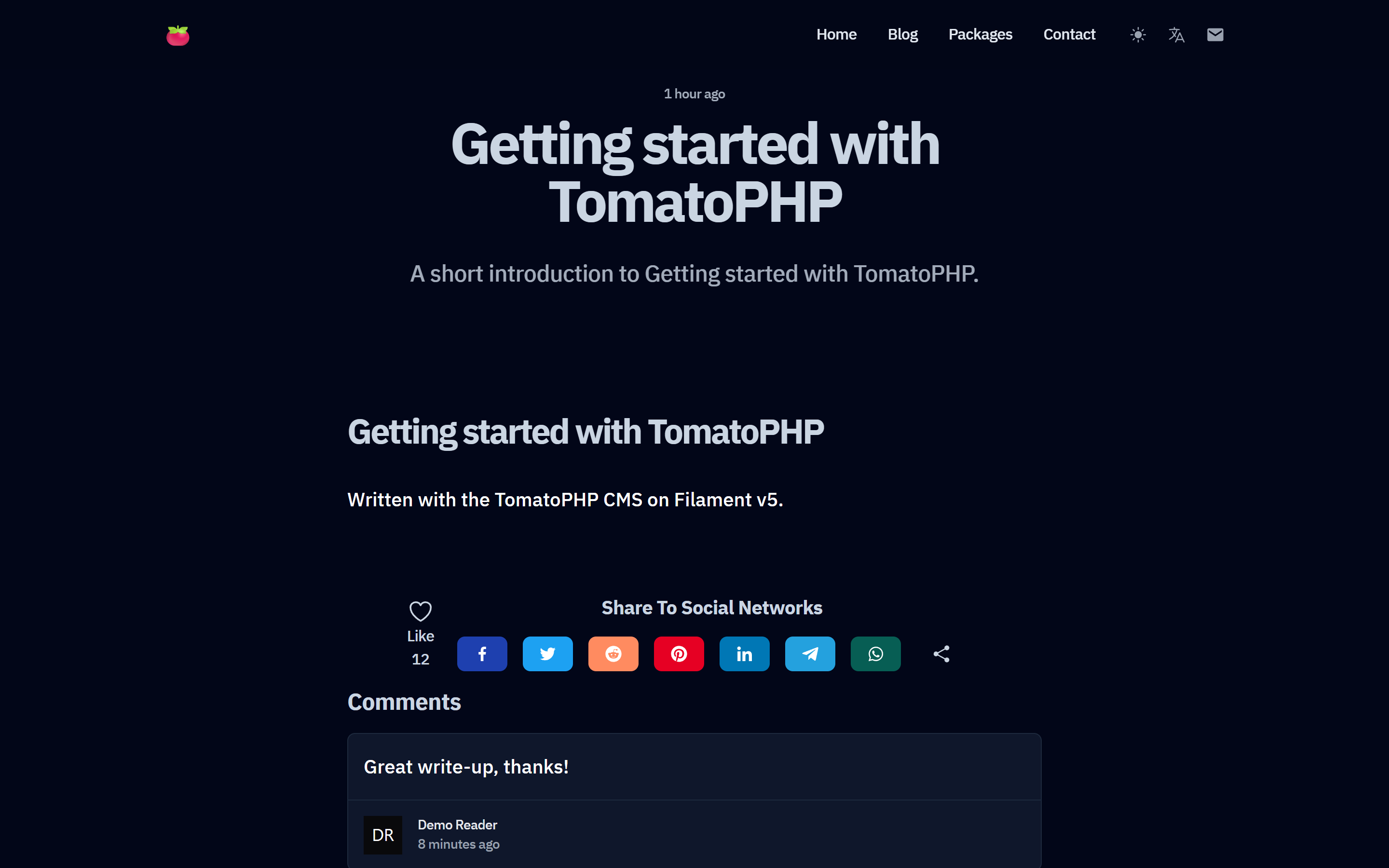
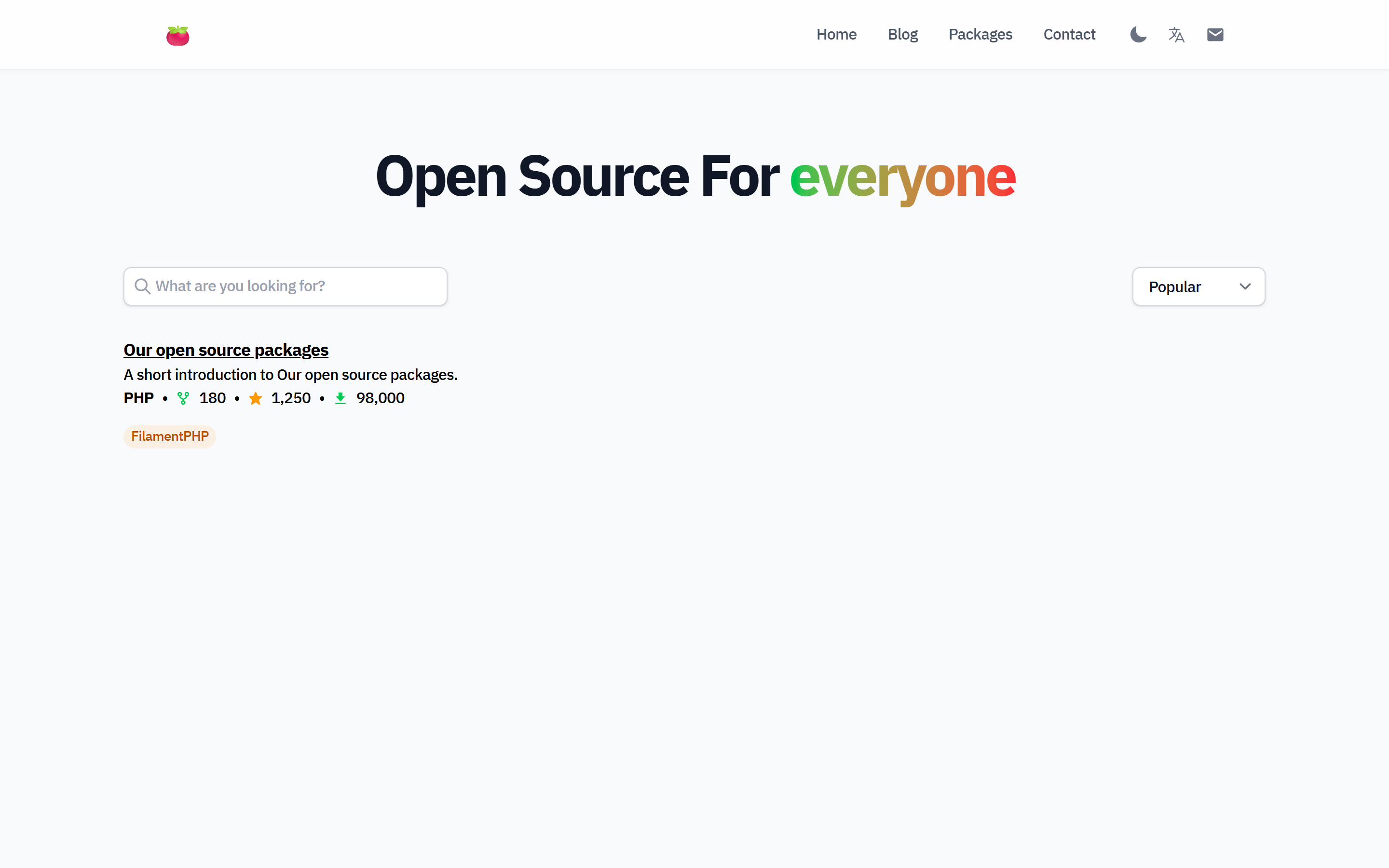
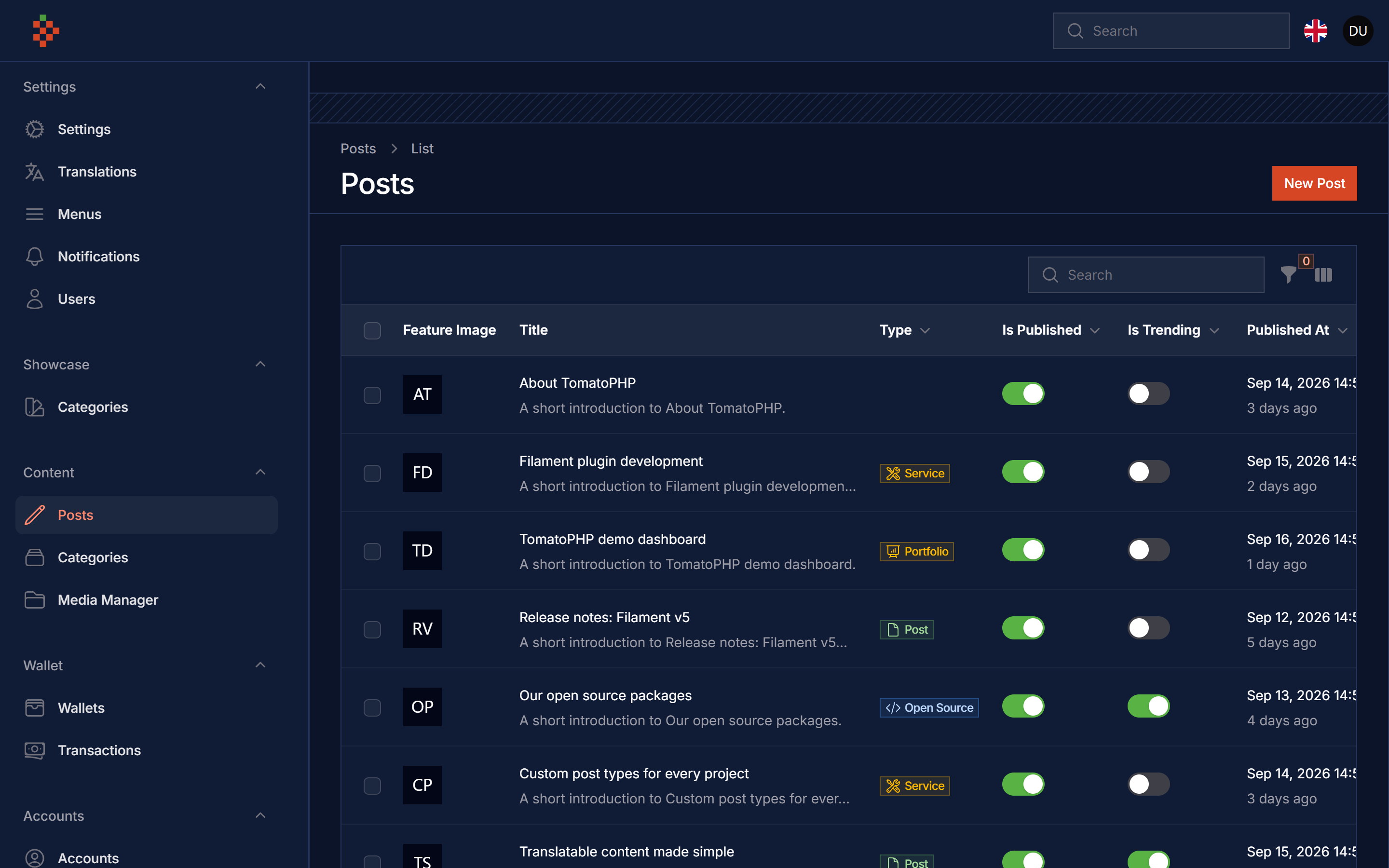
Features
- Tailwind CSS Blog Template
- Blog
- Open Source projects
- Portfolios
- Services
- Contact Us
- User Dashboard
- Comments
- Likes
- SEO Friendly
- Multi Language
- Dark/Light Mode
- Social Login
- RSS Feed
- Sitemap
Compatibility
| Filament Blog | Filament | Laravel | PHP |
|---|---|---|---|
| 5.x | 5.x | 12 / 13 | 8.2+ |
| 1.x | 3.x | 10 / 11 | 8.1+ |
The frontend is built on filament-cms, filament-accounts, filament-menus, filament-seo, filament-settings-hub and filament-types (all ^5.0), they are installed with this package.
Installation
composer require tomatophp/filament-blog
publish the media library migration (used by the CMS and accounts)
php artisan vendor:publish --provider="Spatie\MediaLibrary\MediaLibraryServiceProvider" --tag="medialibrary-migrations"
now run the install command, it runs the install commands of the packages above, migrates, publishes the frontend assets and creates the header menu
php artisan filament-blog:install
the command never overwrites your package.json, vite.config.js or resources/css/app.css. Add the blog stylesheet to your Vite input and build it
// vite.config.js
laravel({
    input: [
        'resources/css/app.css',
        'resources/js/app.js',
        'resources/css/filament-blog/app.css',
    ],
    refresh: true,
}),
npm i -D @tailwindcss/typography @tailwindcss/forms
npm run build
pages still render before the build, they only miss the styles.
Admin panel
register the plugin on app/Providers/Filament/AdminPanelProvider.php, it also registers the CMS, settings hub, SEO, menus and accounts plugins (a plugin you already registered on the panel keeps your own configuration)
->plugin(\TomatoPHP\FilamentBlog\FilamentBlogPlugin::make())
User panel
visitors sign in to like and comment. Create a panel for them
php artisan filament:panel app
and use the accounts guard with the blog user panel plugin (comments, likes and a stats widget)
use TomatoPHP\FilamentBlog\FilamentBlogUserPanelPlugin;

$panel
    ->id('app')
    ->path('app')
    ->login()
    ->registration()
    ->authGuard('accounts')
    ->plugin(FilamentBlogUserPanelPlugin::make());
outside the local environment Filament only lets models that implement FilamentUser into a panel, so publish the account model (php artisan vendor:publish --tag="filament-accounts-model", then set filament-accounts.model) and allow the user panel only
use Filament\Models\Contracts\FilamentUser;
use Filament\Panel;

class Account extends Authenticatable implements FilamentUser, HasAvatar, HasMedia
{
    public function canAccessPanel(Panel $panel): bool
    {
        return $panel->getId() === 'app' && $this->is_active;
    }
}
the accounts guard is registered by the package with the filament-accounts.model model (TomatoPHP\FilamentAccounts\Models\Account by default) when your config/auth.php does not define it, so you do not need to add it yourself. If you use another panel id, change user-panel in config/filament-blog.php.
Frontend routes
the frontend is served per locale: /en, /en/blog, /en/blog/{slug}, /en/open-source, /en/portfolios, /en/services, /en/contact and CMS pages on /en/{slug}. / redirects to the default locale.
Laravel apps ship a / route in routes/web.php and it wins over the blog redirect, so either remove it or mount the blog under a prefix
# serve the blog on /site/en/...
FILAMENT_BLOG_PREFIX=site

# or do not register the frontend routes at all
FILAMENT_BLOG_ROUTES=false
// config/filament-blog.php
'routes' => [
    'enabled' => env('FILAMENT_BLOG_ROUTES', true),
    'prefix' => env('FILAMENT_BLOG_PREFIX', ''),
    'redirect_root' => true,
    'middleware' => ['web'],
],
the content comes from the CMS posts: type post for the blog, open-source, portfolio, service and page; only published posts are shown.
Publish Assets
you can publish config file by use this command
php artisan vendor:publish --tag="filament-blog-config"
you can publish views file by use this command
php artisan vendor:publish --tag="filament-blog-views"
you can publish languages file by use this command
php artisan vendor:publish --tag="filament-blog-lang"
you can publish migrations file by use this command
php artisan vendor:publish --tag="filament-blog-migrations"
you can publish the frontend css and js by use this command
php artisan vendor:publish --tag="filament-blog-assets"
Upgrading from v1
- comments now use
TomatoPHP\FilamentBlog\Models\Commenton the samecommentstable, existing comments keep working. - the
InteractsWithBlogtrait on your account model is optional now; likes and comments go throughTomatoPHP\FilamentBlog\Services\Interactions. - the stylesheet moved to
resources/css/filament-blog/app.css(Tailwind v4), see the installation steps above.
Testing
composer test
Other Filament Packages
Checkout our Awesome TomatoPHP