
tomatophp / filament-accounts-auth

The auth package from DevDojo for Filament Account Builder.
Package info
github.com/tomatophp/filament-accounts-auth
Language:Blade
pkg:composer/tomatophp/filament-accounts-auth
Fund package maintenance!
Requires
- php: ^8.2
- bacon/bacon-qr-code: ^3.0
- calebporzio/sushi: ^2.5
- codeat3/blade-phosphor-icons: ^2.3
- devdojo/config-writer: ^0.0.7
- filament/filament: ^5.0
- illuminate/support: ^12.0|^13.0
- laravel/folio: ^1.1
- laravel/socialite: ^5.20
- livewire/livewire: ^4.0
- livewire/volt: ^1.10
- pragmarx/google2fa: ^8.0|^9.0
- tomatophp/filament-accounts: ^5.0
Requires (Dev)
- alebatistella/duskapiconf: ^1.2
- blade-ui-kit/blade-heroicons: ^2.6
- larastan/larastan: ^3.0
- laravel/dusk: ^8.3
- laravel/pint: ^1.24
- orchestra/testbench: ^10.0|^11.0
- pestphp/pest: ^4.0|^5.0
- pestphp/pest-plugin-laravel: ^4.0|^5.0
- pestphp/pest-plugin-livewire: ^4.0|^5.0
- phpstan/extension-installer: ^1.4
- phpstan/phpstan-deprecation-rules: ^2.0
- phpstan/phpstan-phpunit: ^2.0
Suggests
None
Provides
None
Conflicts
- devdojo/auth: *
Replaces
None
This package is auto-updated.
Last update: 2026-09-21 07:14:35 UTC
README
Filament Accounts Builder Auth
A fork of DevDojo Auth with RTL and translation support that authenticates the accounts of Filament Accounts Builder on the accounts guard. The pages are built with Laravel Folio and Livewire Volt.
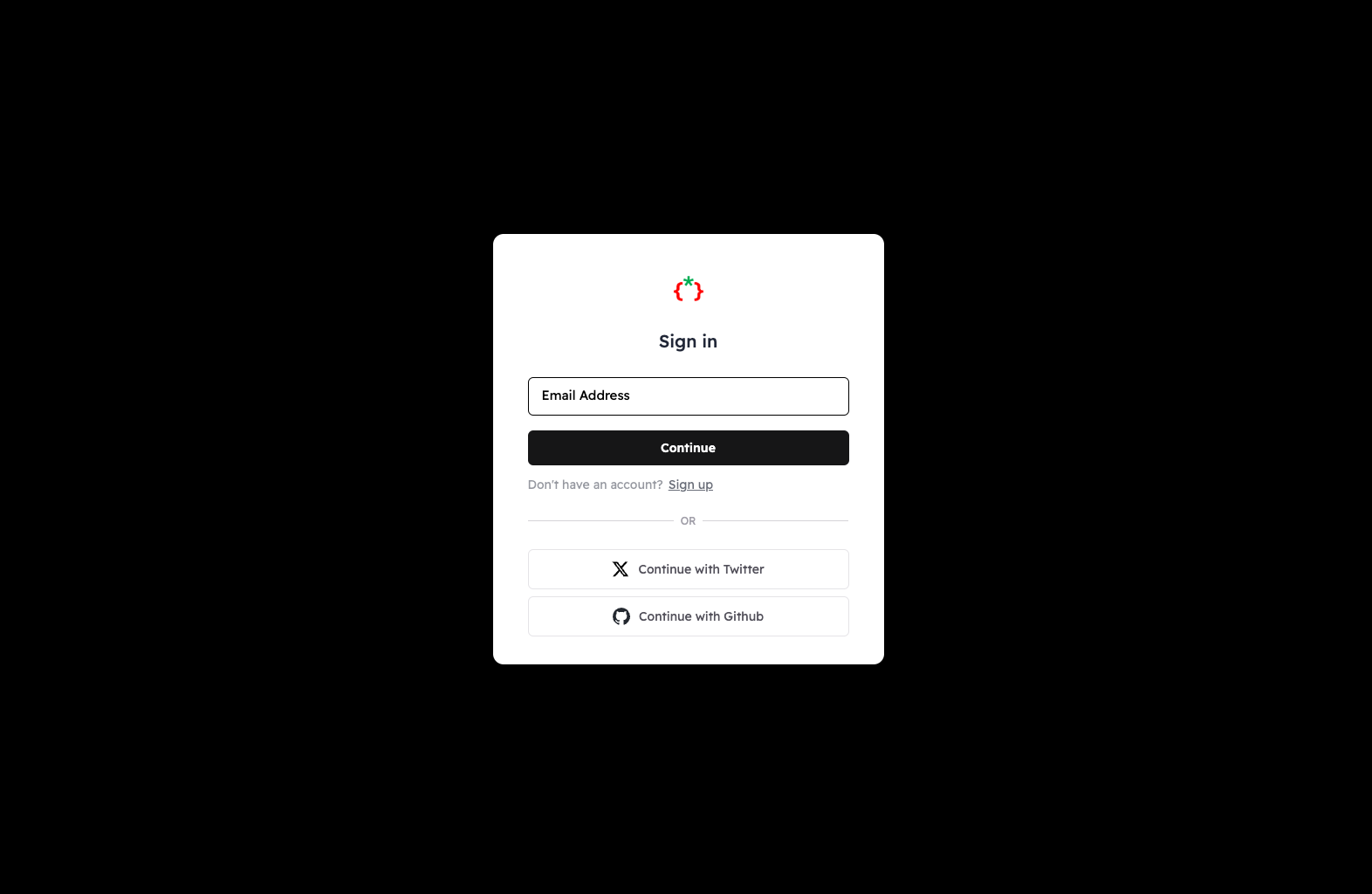
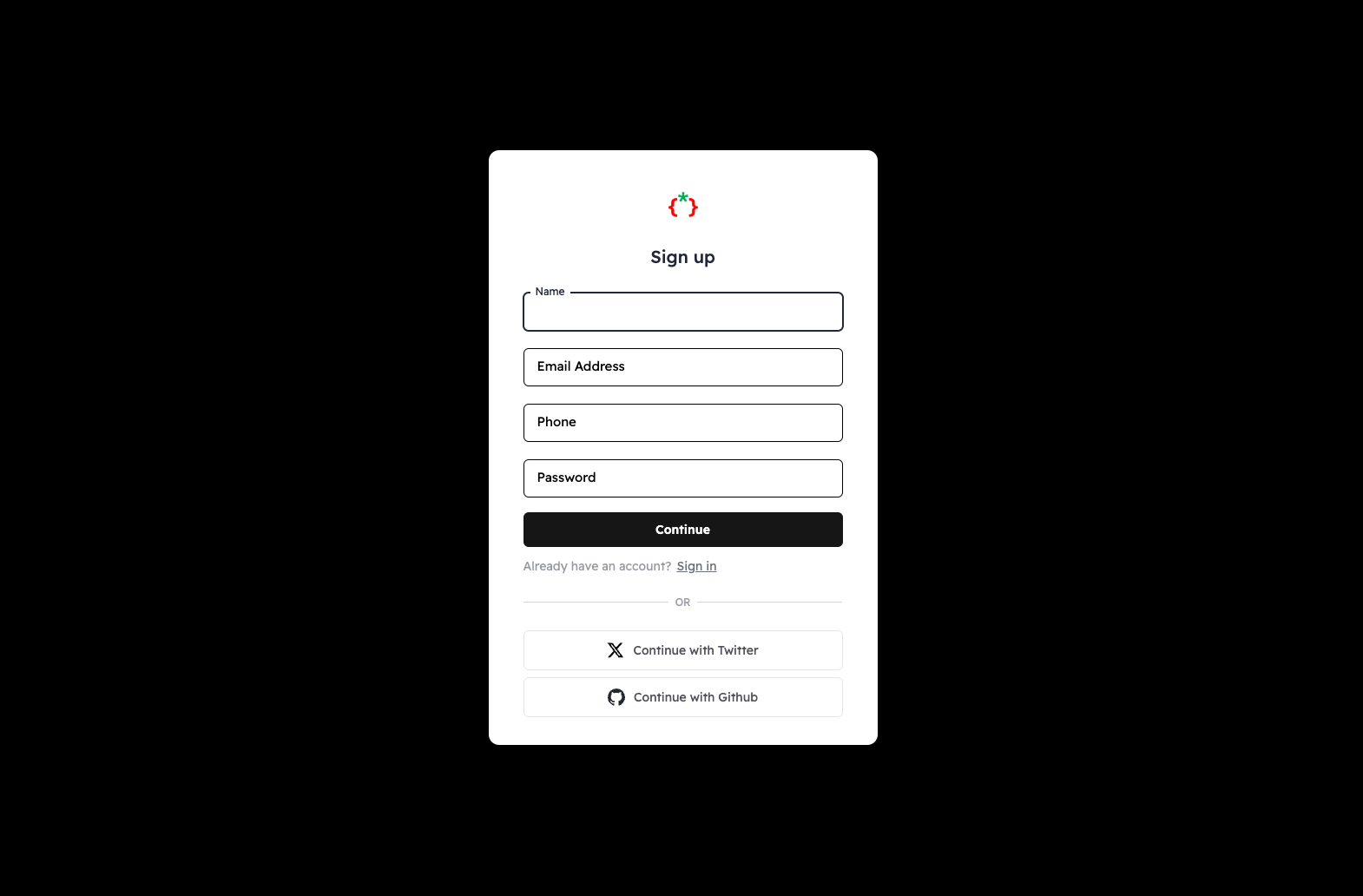
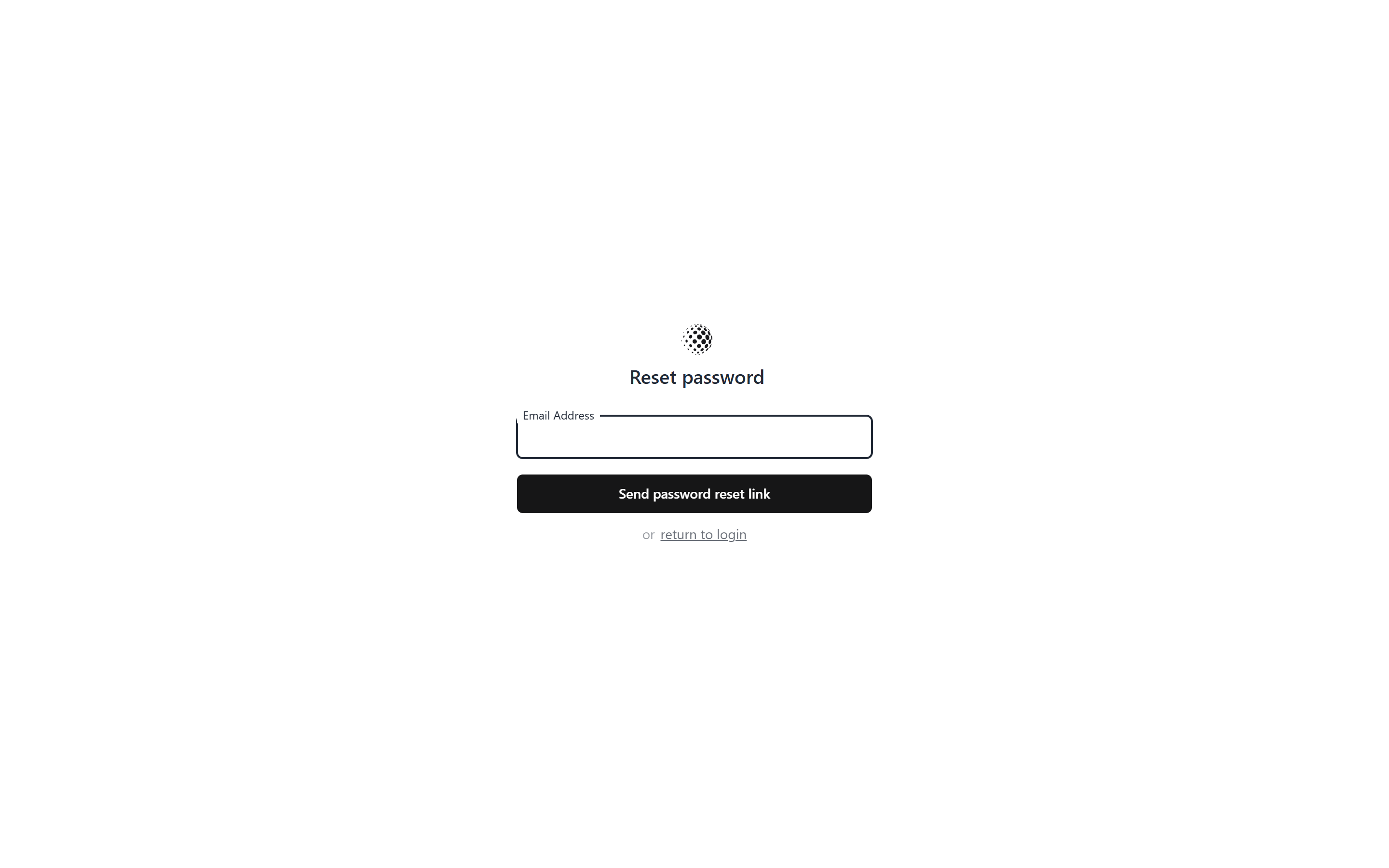
Screenshots
Compatibility
| Version | Laravel | Livewire | Filament | PHP | Branch |
|---|---|---|---|---|---|
| 5.x | 12.x / 13.x | 4.x (Volt 1.10+) | 5.x | 8.2+ | master |
| 1.x | 11.x / 12.x | 3.x | 3.x | 8.2+ | v1 |
Important
This package keeps the Devdojo\Auth namespace of the original package, so it cannot be installed next to devdojo/auth. Composer refuses to install both (conflict: devdojo/auth). Remove devdojo/auth before you require this package.
Requirements
- tomatophp/filament-accounts
^5.0installed, with theaccountsguard added toconfig/auth.php(see its Add Accounts Guard section). - A default Filament panel. The auth pages use its font and theme settings.
Installation
composer require tomatophp/filament-accounts-auth
Publish the prebuilt assets (required, they are loaded from public/auth), the config files and the migrations:
php artisan vendor:publish --tag=auth:assets
php artisan vendor:publish --tag=auth:config
php artisan vendor:publish --tag=auth:migrations
Optional tags: auth:components (the page elements, to restyle them), views (all views) and auth:ci (a GitHub workflow).
The migrations create the social_provider_user table, make accounts.password and accounts.name nullable (accounts created with a social provider have no password) and add the two_factor_secret, two_factor_recovery_codes and two_factor_confirmed_at columns to accounts. Run them:
php artisan migrate
Finally, your account model has to extend Devdojo\Auth\Models\User, which adds the social provider relations and the two factor helpers. Publish the Filament Accounts model:
php artisan vendor:publish --tag="filament-accounts-model"
then change its parent class and keep its interfaces and traits:
use Devdojo\Auth\Models\User as AuthUser;

class Account extends AuthUser implements HasAvatar, HasMedia
{
    // ...
}
Point both filament-accounts.model and auth.providers.accounts.model to that model.
Pages
| Page | URL |
|---|---|
| Login | /auth/login |
| Register | /auth/register |
| Verify email | /auth/verify |
| Forgot password | /auth/password/reset |
| Reset password | /auth/password/{token} |
| Confirm password | /auth/password/confirm |
| Two factor challenge | /auth/two-factor-challenge |
| Two factor setup | /user/two-factor-authentication |
| Logout | /auth/logout |
| Auth setup | /auth/setup, /auth/setup/appearance, /auth/setup/providers, /auth/setup/language, /auth/setup/settings |
/login and /register redirect to the auth pages. Social login uses /auth/{driver}/redirect and /auth/{driver}/callback.
Setup pages
The /auth/setup/* pages change the appearance, social providers, language lines and settings by writing the published config files in config/devdojo/auth. They are guarded by the view-auth-setup middleware: they are open when APP_ENV=local, otherwise only when the viewAuthSetup gate allows the current user. Everyone else is redirected to the login page.
use Illuminate\Support\Facades\Gate;

Gate::define('viewAuthSetup', fn ($user = null) => $user?->email === 'admin@example.com');
Do not open these pages on a public or shared environment.
Translations
The page texts come from config/devdojo/auth/language.php, which the setup Language page edits. To translate them, add lang/vendor/devdojo-auth/{locale}/language.php with the same keys, for example:
// lang/vendor/devdojo-auth/ar/language.php
return [
    'login' => [
        'page_title' => 'تسجيل الدخول',
        'headline' => 'تسجيل الدخول',
    ],
];
Pages are rendered right-to-left when the app locale is ar.
Assets
The pages load the prebuilt public/auth/build assets. To work on the package CSS and JS with Vite, set dev_mode to true in config/devdojo/auth/settings.php and add the package files to your Vite inputs.
(Optional) HasSocialProviders
Devdojo\Auth\Models\User already uses the HasSocialProviders trait. If your model extends another class, use the trait directly:
use Devdojo\Auth\Traits\HasSocialProviders;

class Account extends Model
{
    use HasSocialProviders;
}
Testing
composer test
The Dusk tests in tests/Browser need a running Chrome driver and a full application, so they are not part of the default suite.
License
The MIT License (MIT). Please see License File for more information.